Faronto

Software for coaching practices

Make your coaching stick between sessions.

Start free

Free forever for 2 clients. No credit card required.

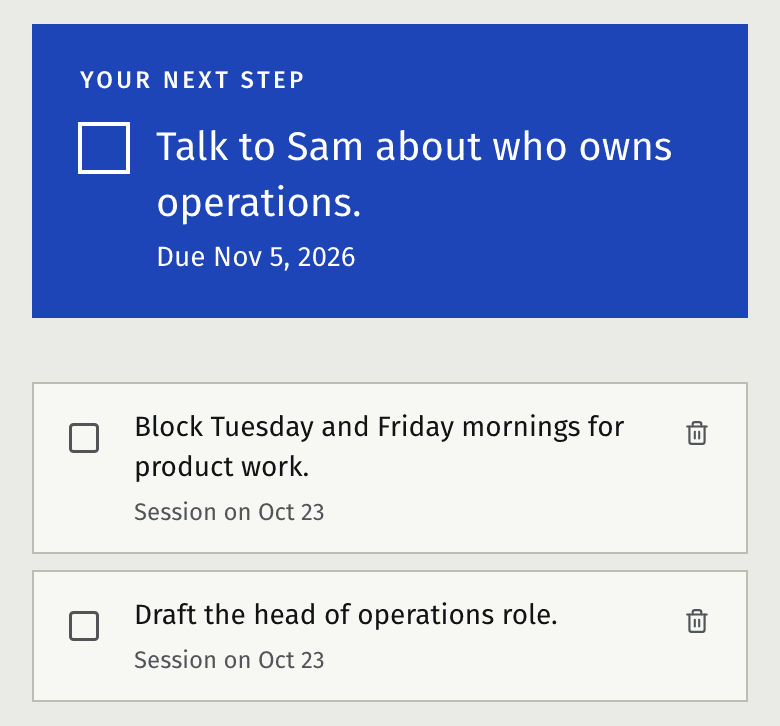
Between sessions, your client sees what they agreed to and ticks it off. Before the next one, you get a short briefing on where they are.

Faronto session prep: the client’s vision, last session and goal progress

Images from the real product, showing demo data.

Great insights during a session often fade quickly. With most coaches, the goals live in email, notes and actions in a notebook somewhere, and real progress only in your heads. You end up reminding people by text message or email, if you don’t forget.

“I’ve tried Slack, Notion, Google Docs, plain email. Nothing sticks. Clients stop checking. I end up DM’ing them reminders like a babysitter.”

coach, r/lifecoaching

How it works

1. Before the session: a short briefing

What did you discuss last time, what are their open actions, what theme keeps coming back, and a suggested question for you to open with. Faronto’s AI can draft it from your own notes, and you can edit all of it. The briefing is only for you, not your client.
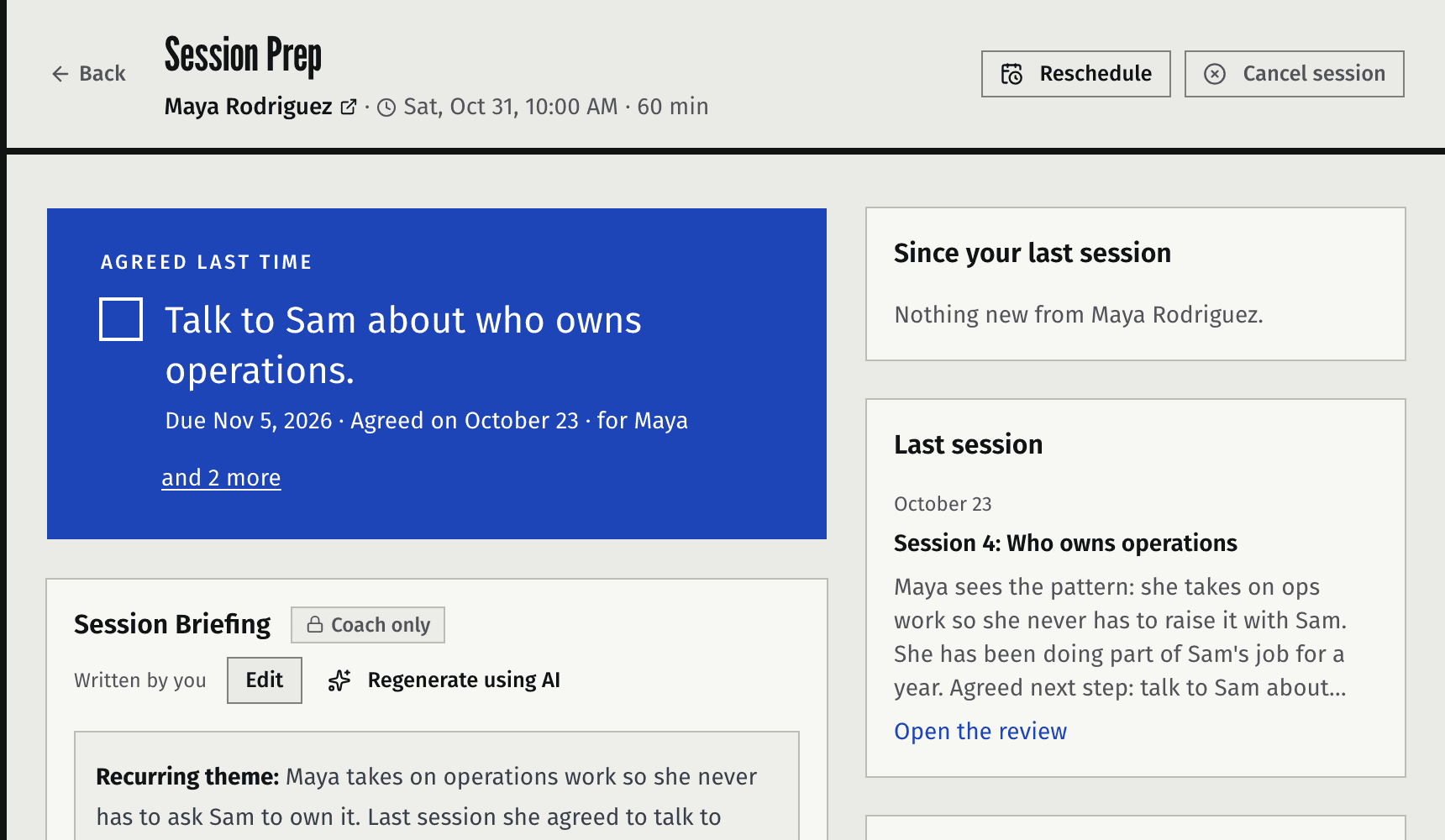
Faronto session prep: the client’s vision, last session and goal progress

2. In the session: actions in your client’s words

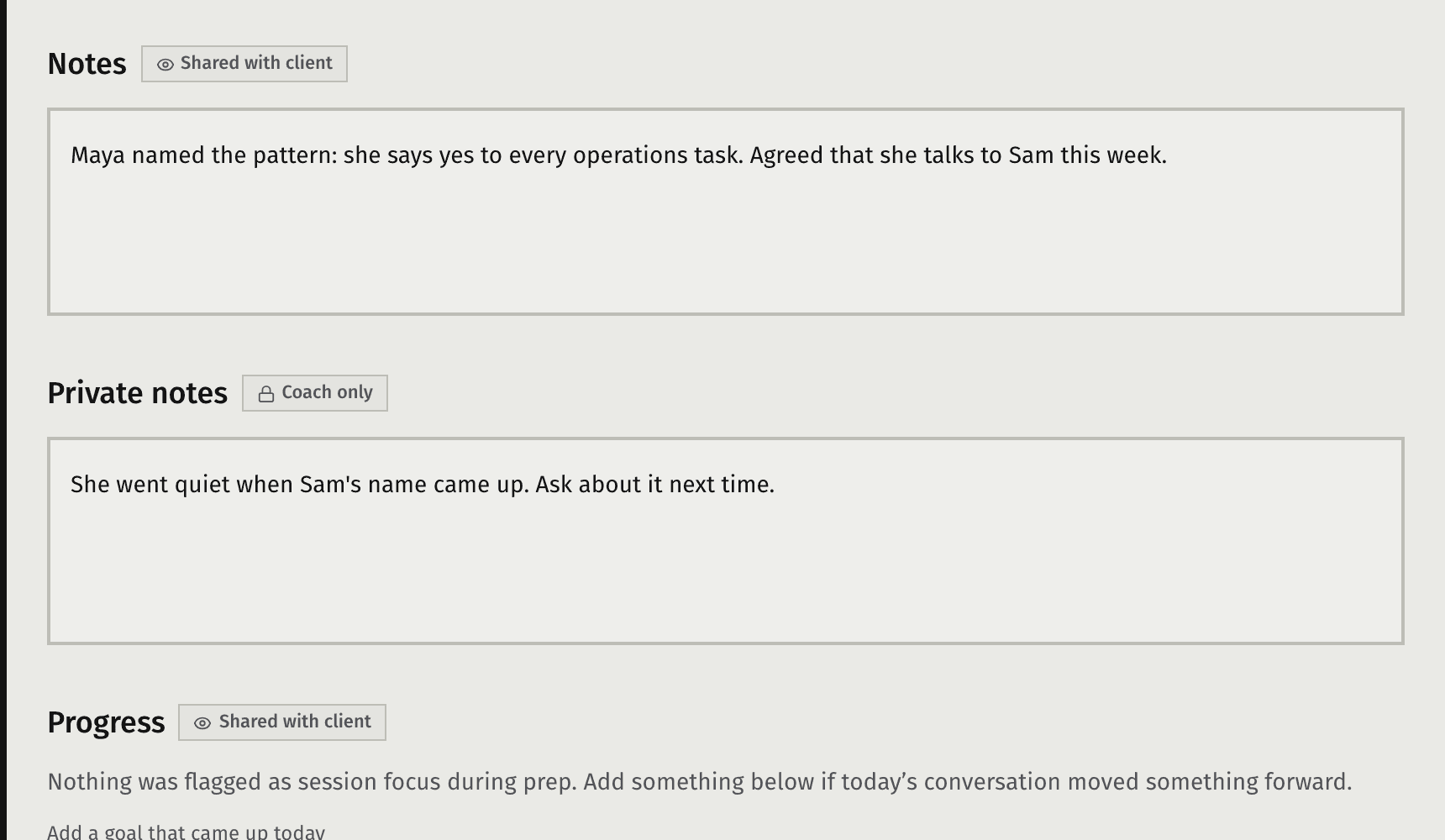
During the session, take notes as you go. Or, upload a transcript after the session and Faronto’s AI drafts session notes for you. The review then picks the actions out of your notes or the transcript, and you decide which ones stay. Each one goes on your client’s goals, with a due date if you want one. Session notes and actions are sent to your client in their portal when you’re ready.

The session review with suggested actions

3. Between sessions: your client’s own portal

Your client opens their portal, sees their goal, session minutes and actions, and marks them complete. Faronto’s AI can draft follow-up nudges to the client in between sessions. Nudges are only sent after your review and approval.

The client’s own portal on a phone

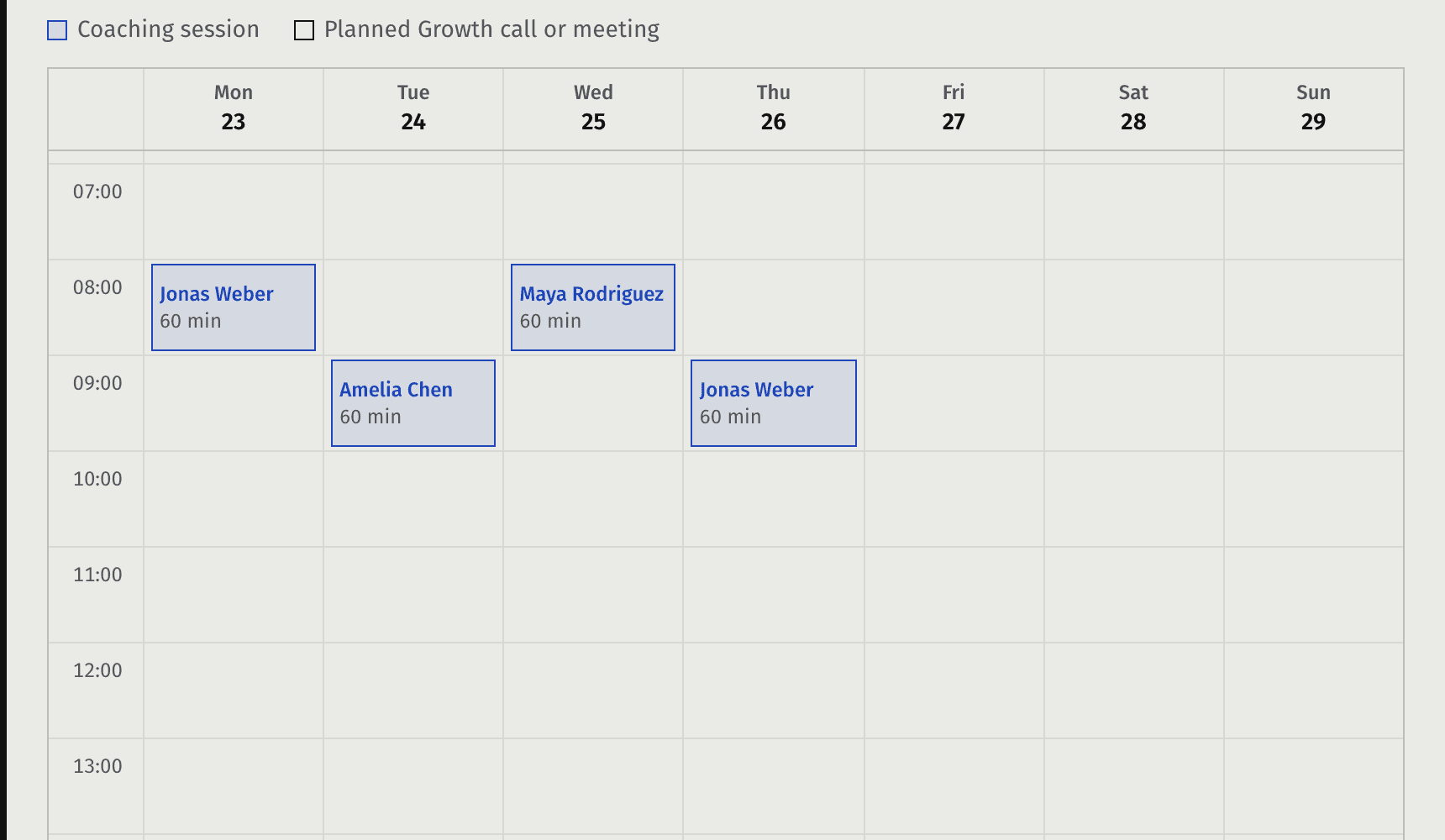
4. Scheduling with your own calendar

Connect your Google or Microsoft calendar, set your hours, and let your clients book a next session from within their portal. Faronto warns you before you book someone on top of another session, and keeps to your cancellation rules.

Scheduling, week view

5. Your own AI Assistant, if you want one

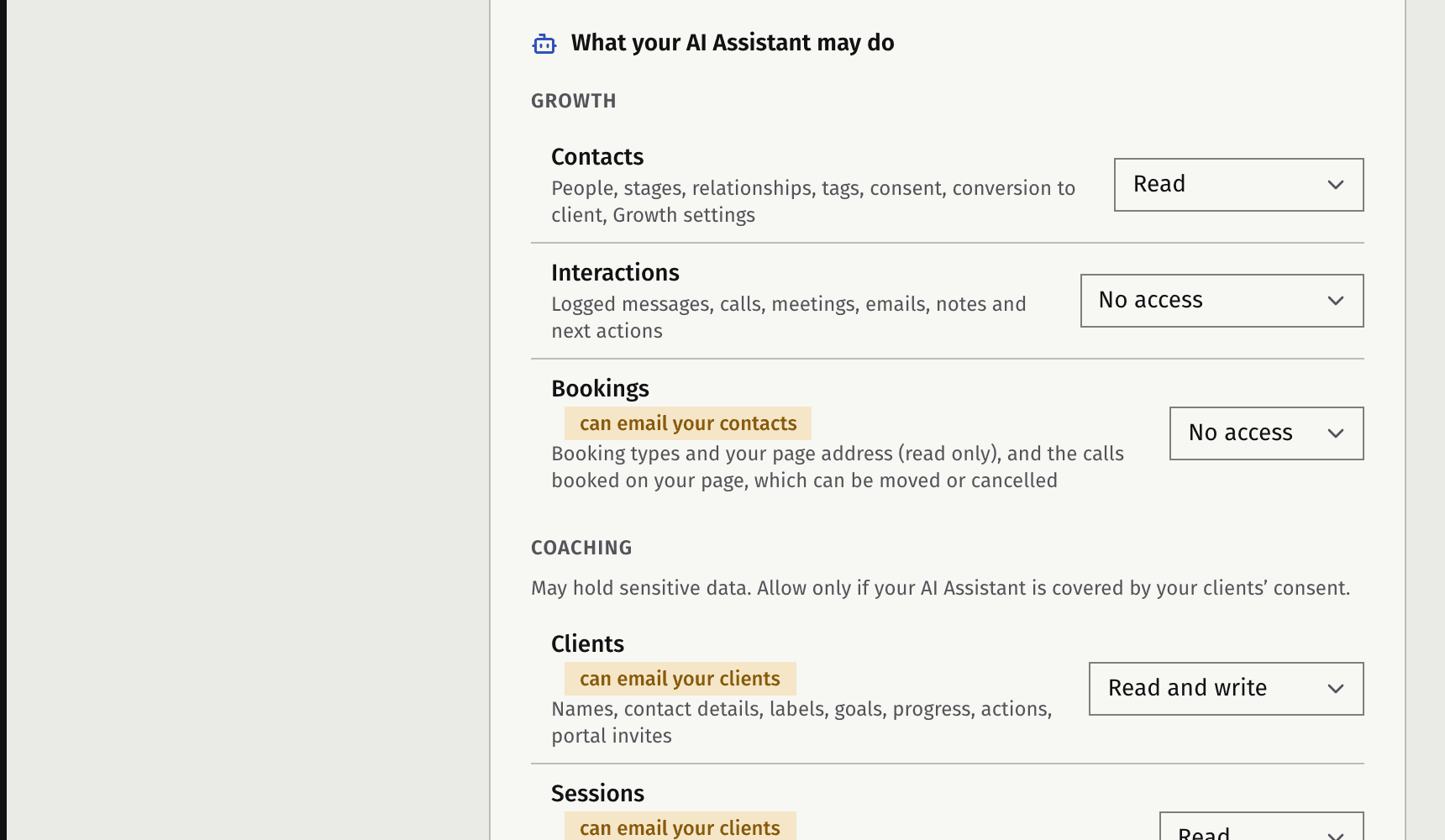
Connect ChatGPT, Claude or another AI Assistant to your practice. You decide, per kind of data, what it may see and change, and you can disconnect it at any time.

Settings, MCP access: what your AI Assistant may see and change

What it doesn’t do

Faronto doesn’t coach your clients. Its AI prepares you and drafts reminders, and you decide what gets sent. Video calls run in Google Meet, Microsoft Teams or wherever you already meet. Faronto doesn’t host them.

Plans

Everything here is on both plans. On the free plan, session briefings and transcripts share 2 AI uses a day. Starter has no daily limit.

See plans and prices

Try it with 2 of your clients.

Start free

Free forever for 2 clients. No credit card required.