Set how often to stay in touch
On this page
Faronto reminds you to get back to people when it has been longer than you want. The rhythm is how long that is. You set it once for each kind of relationship, and you can change it for one person.
The rhythm for each relationship
Every contact has a Relationship: Close, Warm, Distant or Cold. Each one has its own rhythm.
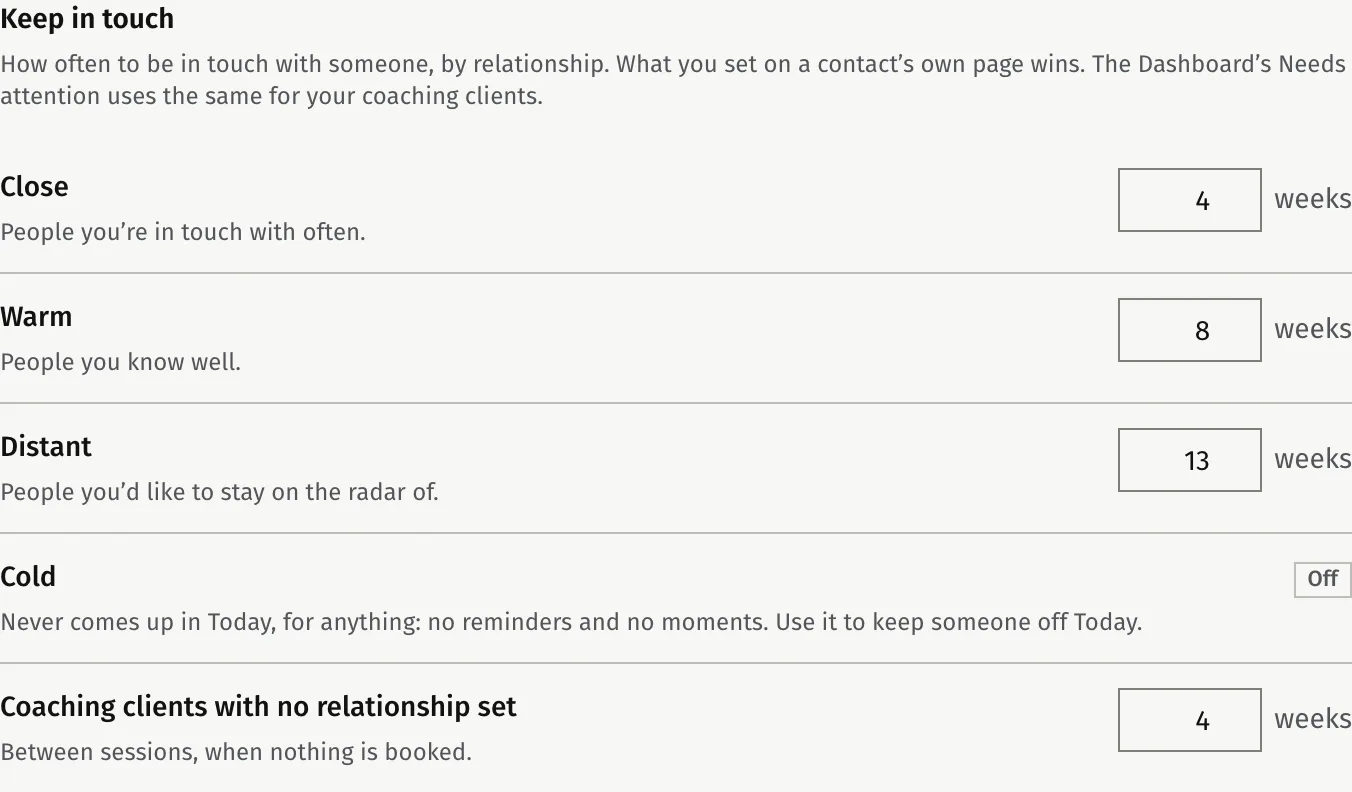
| Relationship | Default rhythm |
|---|---|
| Close | Every 4 weeks |
| Warm | Every 8 weeks |
| Distant | Every 13 weeks |
| Cold | No reminders. Cold people never appear under Today. |
| Coaching clients with no relationship set | Every 4 weeks, when no next session is booked |
To change the weeks:
- Open Settings, then Growth.
- Under Keep in touch, enter a number of weeks, from 1 to 52, for each relationship.
- Press Save in that card.
A contact with no relationship set gets no reminders, unless they are a coaching client. Coaching clients with no relationship use the last row of the table. Your Dashboard’s Needs attention uses the same rhythm for your coaching clients.
Change the rhythm for one person
What you set on a person’s own page wins over the relationship.
- Open the contact from Contacts.
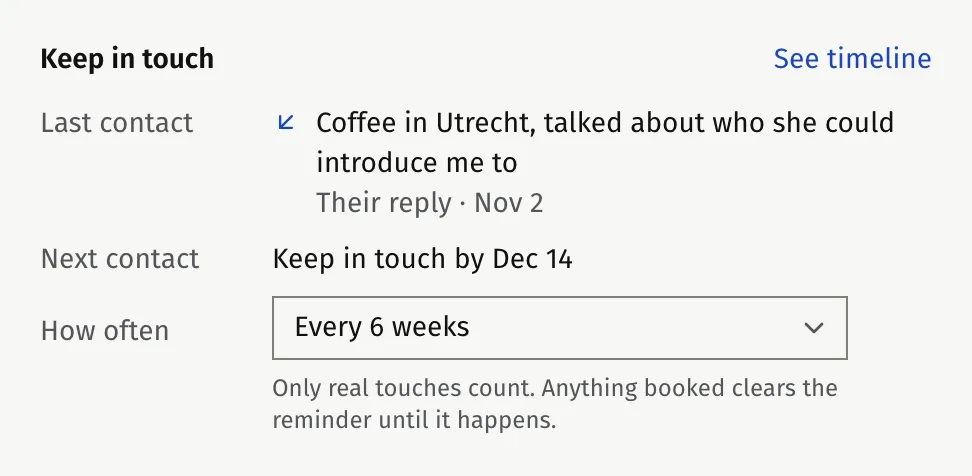
- On the Overview tab, find the Keep in touch card.
- Under How often, choose a rhythm: every 2, 4, 6 or 8 weeks, every 3 or 6 months, Once a year or No reminder.
To go back to the relationship’s rhythm, choose Follow the relationship.
The card also shows Last contact and Next contact.
What counts as being in touch
A reminder counts from your last contact with the person. These count:
- A message, email, call or meeting that you log. A call or meeting you plan for later counts once its time has passed.
- Their answer when you log “Not interested” or a declined proposal.
- A coaching session you held with them, if they are linked to a coaching client.
- A nudge sent to them, if they are linked to a coaching client.
A note does not count.
Anything booked clears the reminder until it happens: a call or meeting you planned, or a coaching session on your calendar. A next action with a due date does not clear it.
The two states you may see
- Waiting for a reply. Your last contact was your own message or email, nothing is booked, and the person has not answered.
- Time to get in touch. More time has passed since you last spoke than the rhythm allows, and nothing is booked.
Both show as filters on the list and as notes on the contact. Someone then appears under Today, up to the size you chose. See Who to get back to: Today.
Was this article helpful?