How Faronto helps you find clients
Clients come from conversations, and conversations come from the people you already know. Growth is the part of Faronto where you keep track of those people and decide who to talk to next. The list of people to get back to keeps refilling, so 15 to 30 minutes a day is a good habit.
There are no campaigns and no ads in Growth. The work is personal messages that you write and send yourself.
The routine
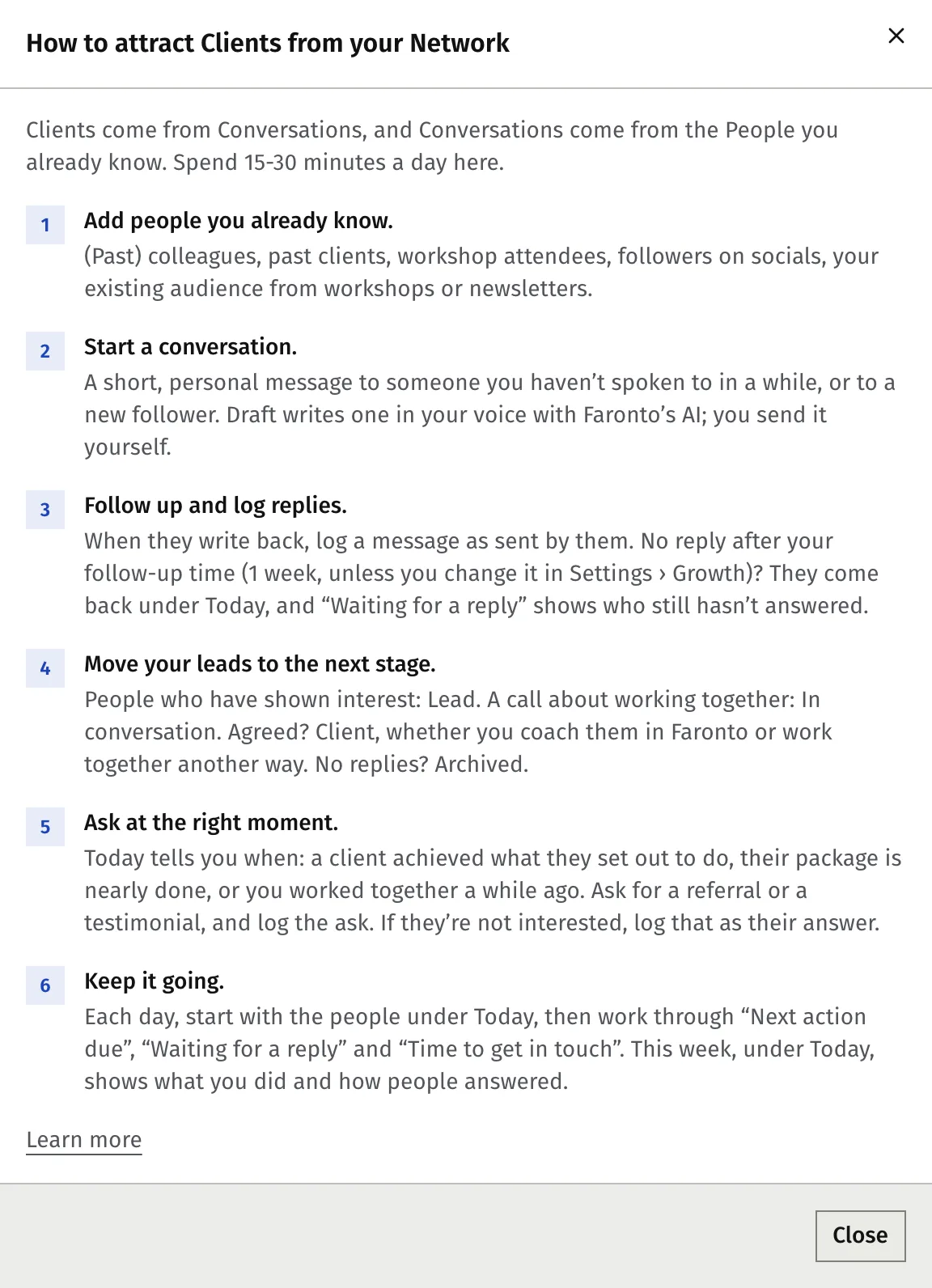
Press Guide at the top of Contacts to open the same six steps inside Faronto.
- Add people you already know. Past and current colleagues, past clients, workshop attendees, followers, people from your newsletter. Add them one by one or import a file. See Keep track of the people you know and Import your contacts from LinkedIn, your phone or a spreadsheet.
- Start a conversation. A short, personal message to someone you haven’t spoken to in a while. Draft writes one in your voice with Faronto’s AI; you send it yourself. See Let Faronto draft a message in your voice.
- Follow up and log replies. When they answer, log their message as sent by them. If nobody answers within your follow-up time (1 week unless you change it under Settings, Growth), the person comes back under Today. See Log a message, call or meeting.
- Move your leads to the next stage. Someone who has shown interest is a Lead. After a call about working together they are In conversation. When you agree, they become a Client, whether you coach them in Faronto or work together another way. If they never answer, archive them. See Keep track of the people you know.
- Ask at the right moment. Today tells you when: a client reached what they set out to do, their package is nearly done, or you worked together a while ago. Ask for a referral or a testimonial and log the ask. If they say no, log that as their answer. See Ask for referrals and testimonials.
- Keep it going. Each day, start with the people under Today. Then work through Next action due, Waiting for a reply and Time to get in touch. This week shows what you did and how people answered, under Today. See Who to get back to: Today.
When someone becomes a client, see Turn a contact into a client.
What Faronto does for you
- It shows the few people you should get back to today, each with the reason. See Who to get back to: Today.
- It keeps one timeline per person: what you sent, what they answered, what is planned.
- It writes a first draft of a message in your voice when you press Write. You edit it. See Let Faronto draft a message in your voice.
- It suggests moving someone to the next stage after they reply or after you plan a call. You decide.
- It counts what you did this week and which sources bring clients: This week and Where clients come from.
- It lets people book a free discovery call with you from your own page. See Let people book a free call from your page.
What Faronto does not do
- It never sends a message for you. Draft shows text you copy and send yourself, from your own email, LinkedIn or phone. Faronto sends nothing to your contacts.
- It has no bulk email. There is no newsletter, campaign or mailing to your contacts in Faronto.
- It does not read your messages. Faronto can’t see your LinkedIn, email, WhatsApp or other conversations. You copy what matters into the person’s timeline yourself. See Log a message, call or meeting.
- It does not automate LinkedIn or any social account. Faronto does not log in to them, post for you or message for you. You bring people in from a file you export.
- It does not move people between stages on its own. Stages change only when you change them.
- It does not mix contacts with clients. A contact is not a client, has no portal and does not count toward your plan until you make them a coaching client.
Where to find it
Growth has its own section in the sidebar, above Coaching. It holds Contacts and Booking pages. Its settings are under Settings, Growth. Your Dashboard shows Contacts to follow up with up to three people.
Was this article helpful?